
PXM User Guide
Learn how to participate in the Bitcoin price prediction market step by step.
Easy to follow even for first-time users.
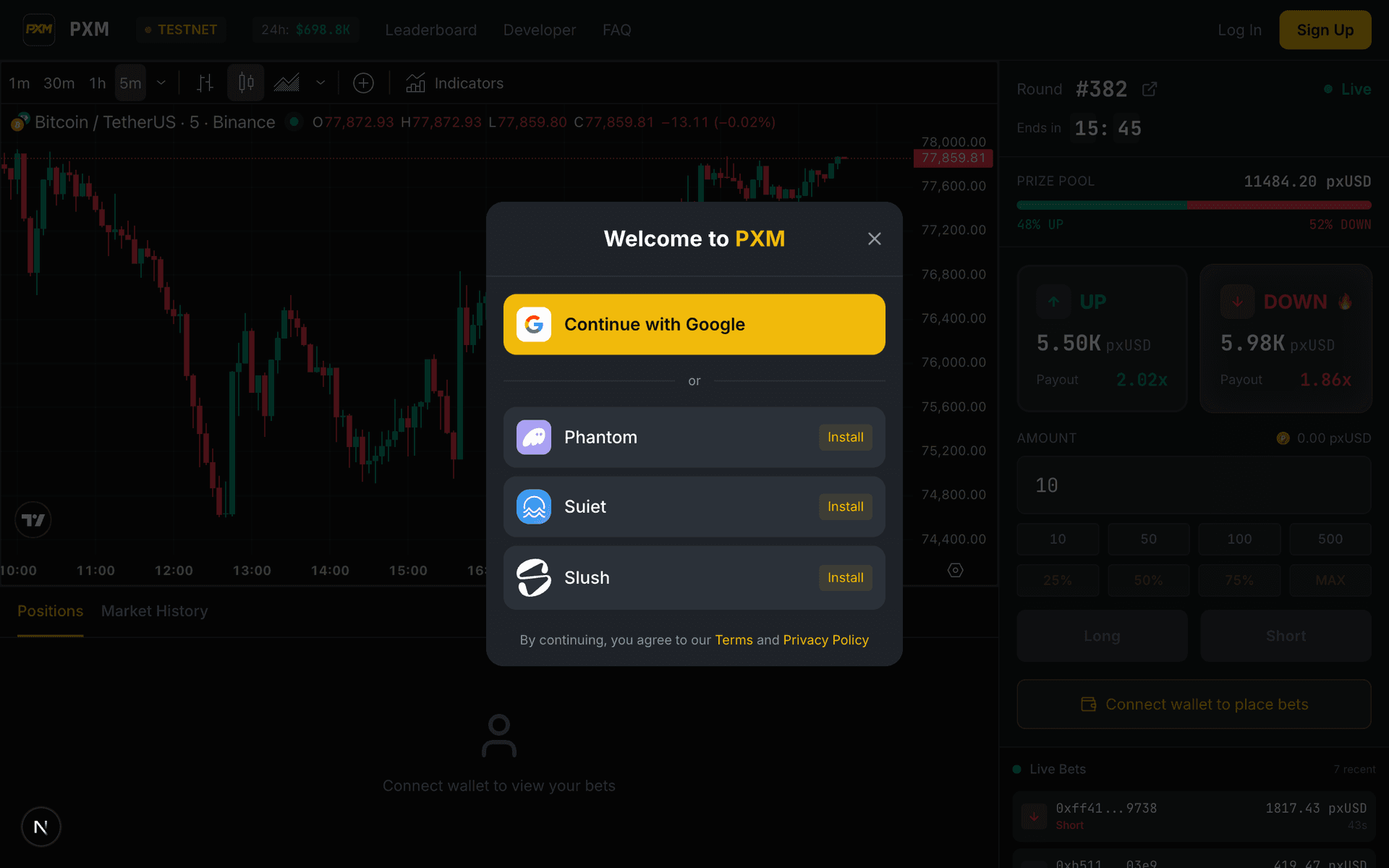
Connect Your Wallet
PXM runs on Solana. Connect a Solana wallet to get started.

If you don't have a wallet yet, install Phantom from phantom.app — it takes less than a minute.
Get SOL & Test Tokens
You need SOL for transaction fees and stablecoins to convert to pxUSD.


Get USDC / USDT
You need stablecoins to convert to pxUSD.
- Click the

 USDC/USDT button in the header (Desktop only)
 - Click "Request USDC" or "Request USDT"
- 10 USDC/USDT will be added to your wallet
Testnet tokens have no real value. Use them for testing purposes only.
Convert to pxUSD
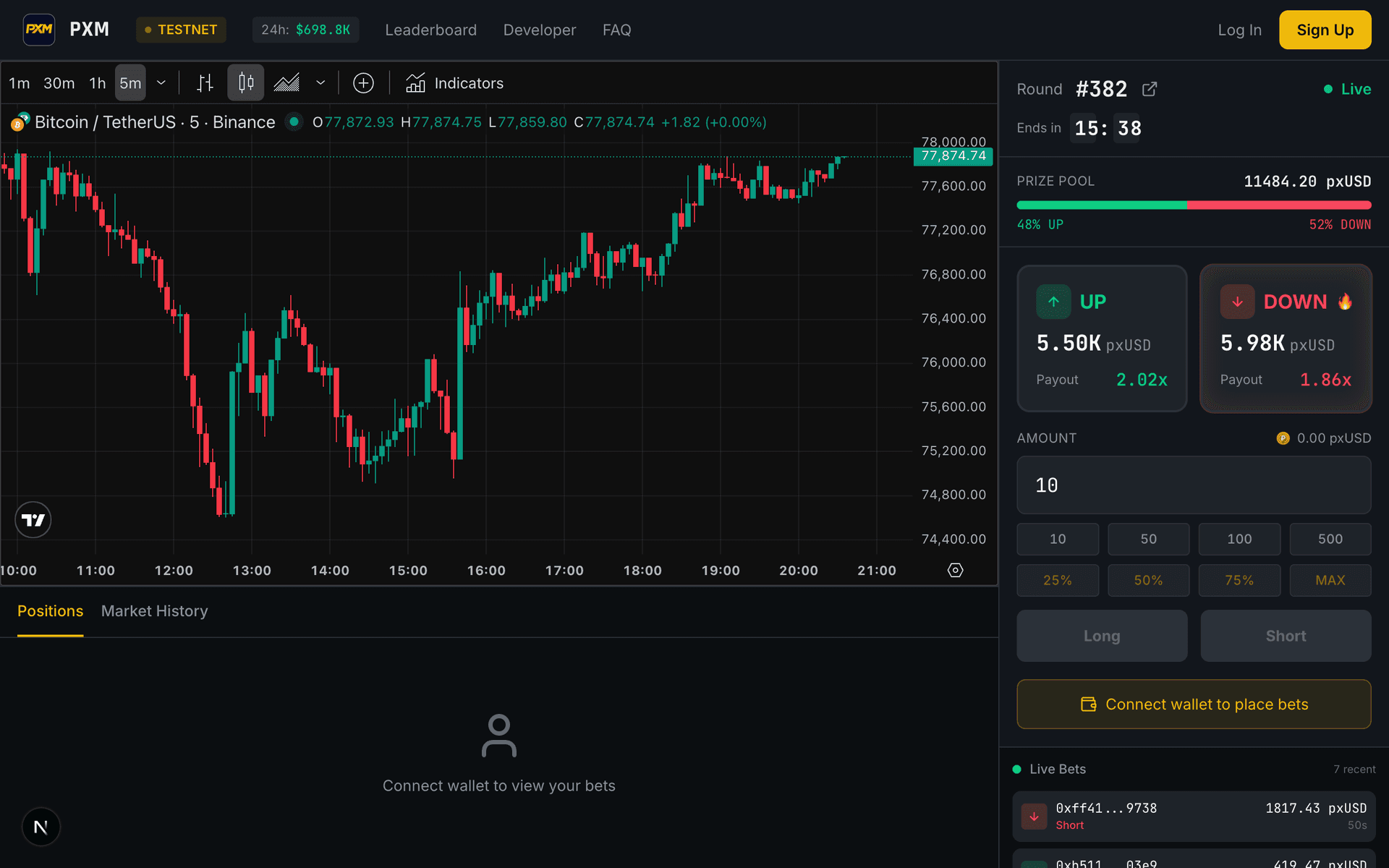
To place bets, you need to convert USDC or USDT to pxUSD.
- Click on the pxUSD balance in the header
- The Vault modal will open
- In the Deposit tab, select USDC or USDT
- Enter the amount you want to convert
- Click the "Deposit" button
- After approving the transaction, pxUSD will be added to your wallet
pxUSD is exchanged 1:1 with USDC/USDT. You can withdraw back to USDC/USDT anytime!
Place a Bet
Now you're ready to participate in Bitcoin price prediction!
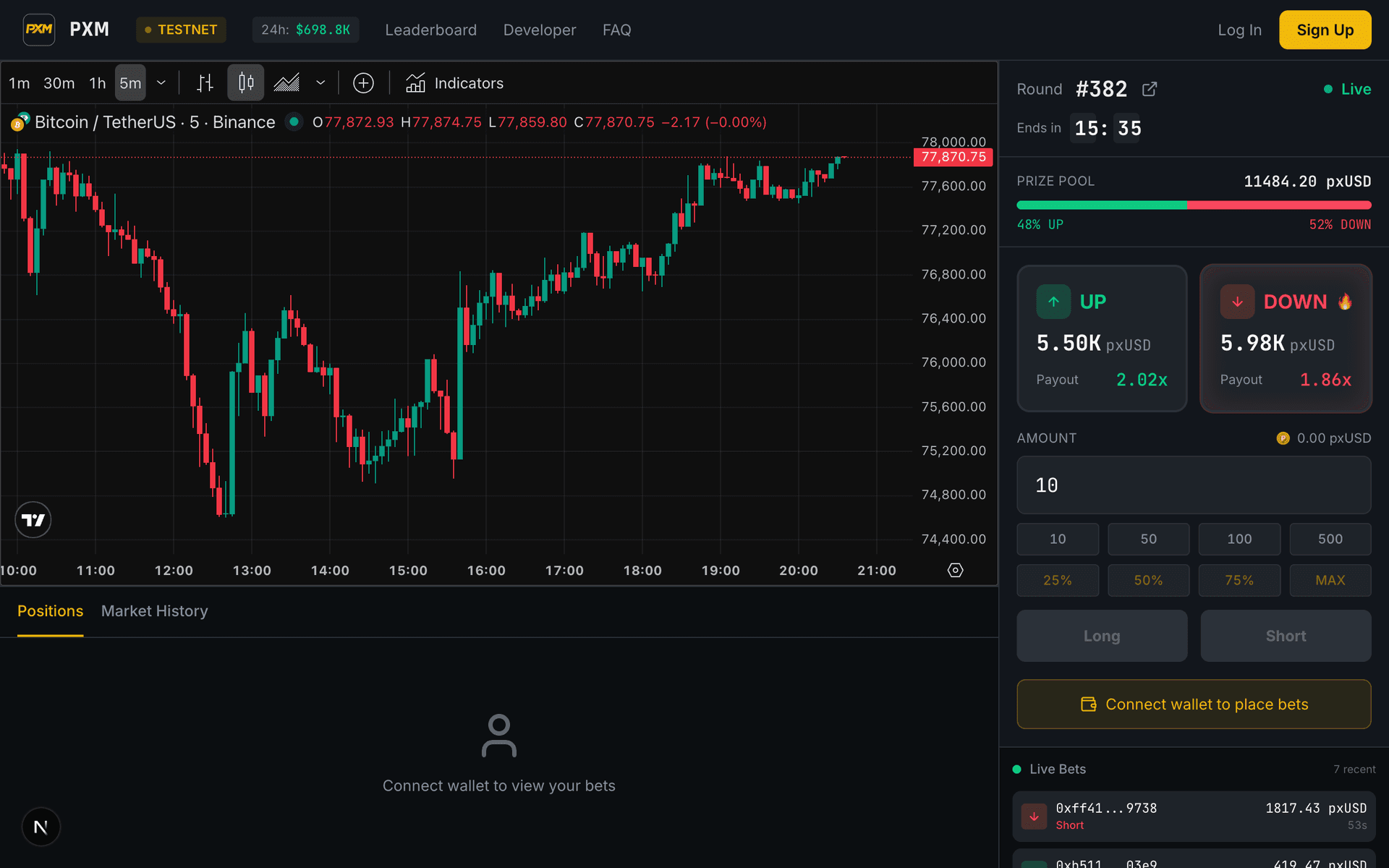
Select this when you predict Bitcoin price will go up.
Select this when you predict Bitcoin price will go down.
- Select UP or DOWN in the trading panel
- Enter the amount you want to bet (minimum 1 pxUSD)
- Check the expected odds and potential payout
- Click the "Place Bet" button
- Approve the transaction in your wallet
Each round lasts 5 minutes. Winners are determined by the Bitcoin price at close, and the winning side shares the entire pool!
Check Results & Claim Rewards
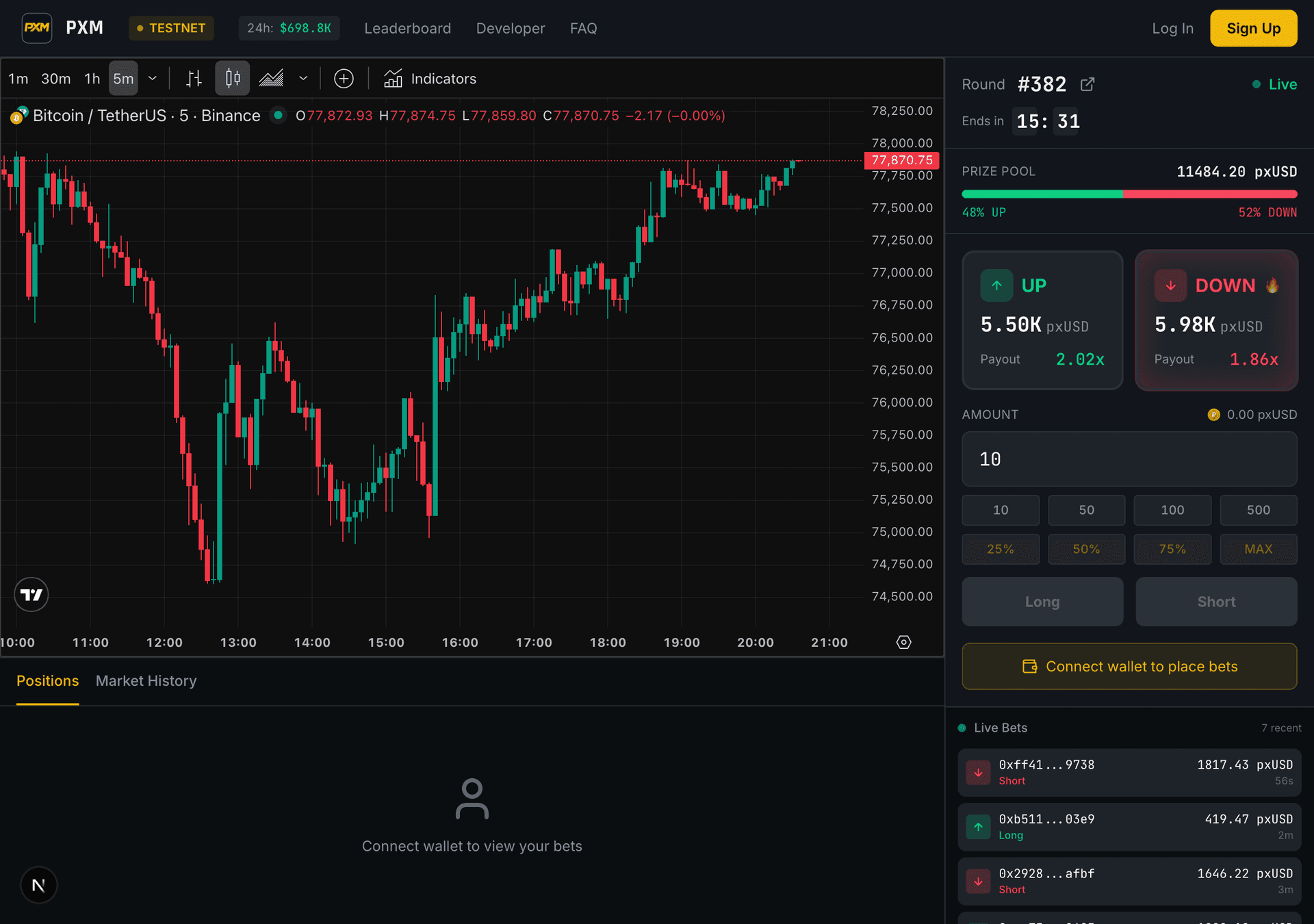
After the round closes, check your results and claim your rewards.
Have questions? Check out our FAQ.